


CoinPoker’s Private Tables:
Host Cash Games with Friends
-

Our World-Class Software
-
Your Players & Rules

Private Tables on CoinPoker
Create and control your own real money cash games using our Private Tables.
You set the format, stakes, buy-ins, and table size, then decide who’s in the seats.
Add action with Bomb Pots or turn on Must Show for a dose of honesty.
Now you’re the host, on the world’s best poker software.
How to Create Your Poker Game
The first step is visiting the Private Tables tab in our app, right beside Freerolls.
Then, it’s time to start building a cash game.

Design a Game
Choose one of our poker formats, then set your table size for 2 to 6 players.
Lock in stakes from $0.01/$0.02 to $10/$20, and then a buy-in range. Add action by switching on Bomb Pots or Must Show.
Click on Create Table when you’re ready.

Invite Players
Once your Private Table is created, a pop-up will appear on your screen.
That number is your personal invite code. Once your friends register on CoinPoker, they use it to join your Private Table.
Only share your invite code with friends.

Take Your Seat
Inside the Private Tables tab, you’ll see games you’ve joined or created.
Double-click the one you just made, pick a spot, and buy in. Your friends show up, and the private game begins.
It’s a normal table, but you’re the host.
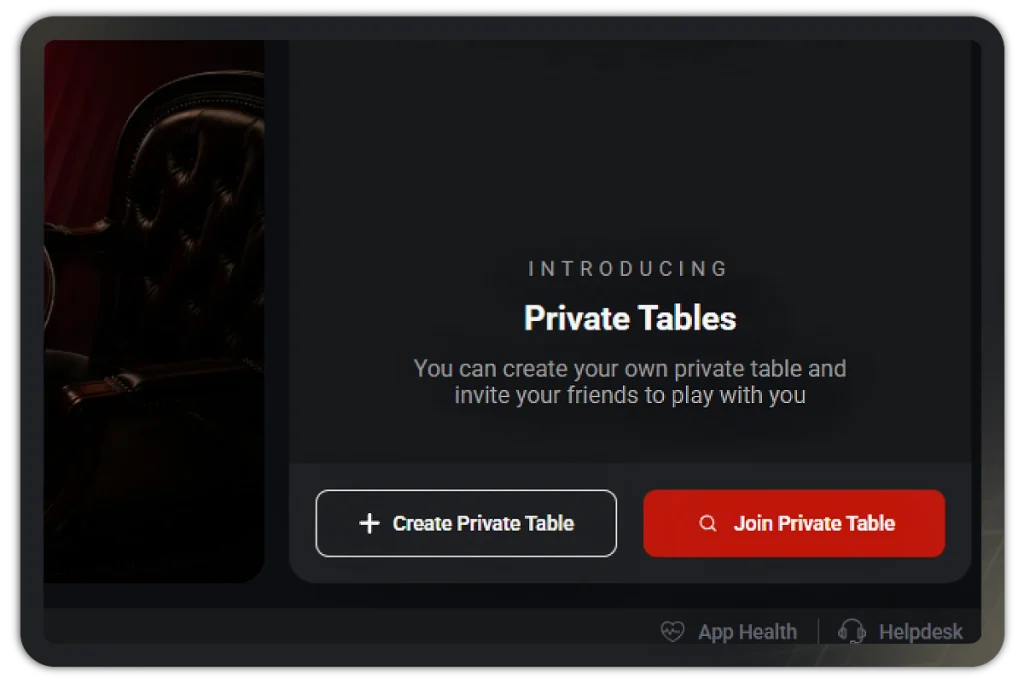
Joining Private Games
Joining games is just as easy as creating them.
Open the Private Tables tab, click on Join Table, then enter your invite code.
Make sure to select the Welcome Bonus on your first deposit for up to $2,000 extra.
Choose Your Format
There’s a range of poker games to use on your Private Tables.
Whatever your crowd loves, we’ve got it.


Be the Host. Bring the Action.
Your Private Table. Your games, stakes, and players. Available 24/7.
Set up your game today on CoinPoker and deal your crew in.
New players get a 150% Welcome Bonus. Be a good host and remind your friends.
Private Tables Frequently Asked Questions
Get quick answers about CoinPoker’s custom games called Private Tables.
A Private Table is a real-money cash game you create for a specific group of players. Instead of joining a public table, you build your own game with the settings you want and invite others to join you.
The money on Private Tables is just as real as the money on our normal cash game tables. Any wins or losses are tracked in your Transactions tab.
Select the option to create a Private Table, then choose your settings:
- Poker format (NLH, PLO, PLO5, PLO6, Short Deck)
- Number of players
- Blinds
- Buy-in range
- Optional Bomb Pot and Must Show features
Once you’re happy with the game, click on Create Table. You can create up to two Private Tables at once.
Private Tables support 2 to 6 players across the available game formats.
Once you click on Create Table, you can share your invite code with other players. Just copy the code, and send it using Instagram, Facebook, WhatsApp, or whichever social media you want to use. They use the invite code to join your Private Table.
If you didn’t copy the code, that’s no problem. Click on your Private Tables tab in our app. Find the table you want to invite them to in this lobby. Under the Other Options column, you’ll see buttons to share or copy your code.
Yes. When you play on Private Tables with an active Poker Welcome Bonus, you’ll be making progress toward unlocking the bonus. To see your progress, go to your Wallet. Underneath your balances, you’ll see a Pending Poker Bonus.
A Private Table stays active for up to 12 hours once you create it. After that time finishes, just create a new one if you want to keep the game going.
Only your Deposit Balance can be used on Private Tables. Promotional Balance (P$) is not accepted.
No. Private Tables are not eligible for CoinRewards, CoinRaces cash game leaderboards, or 3-Bet Club benefits. Splash Pots are also not featured on Private Tables.